Watermark-Free Sora
If macOS blocks the app
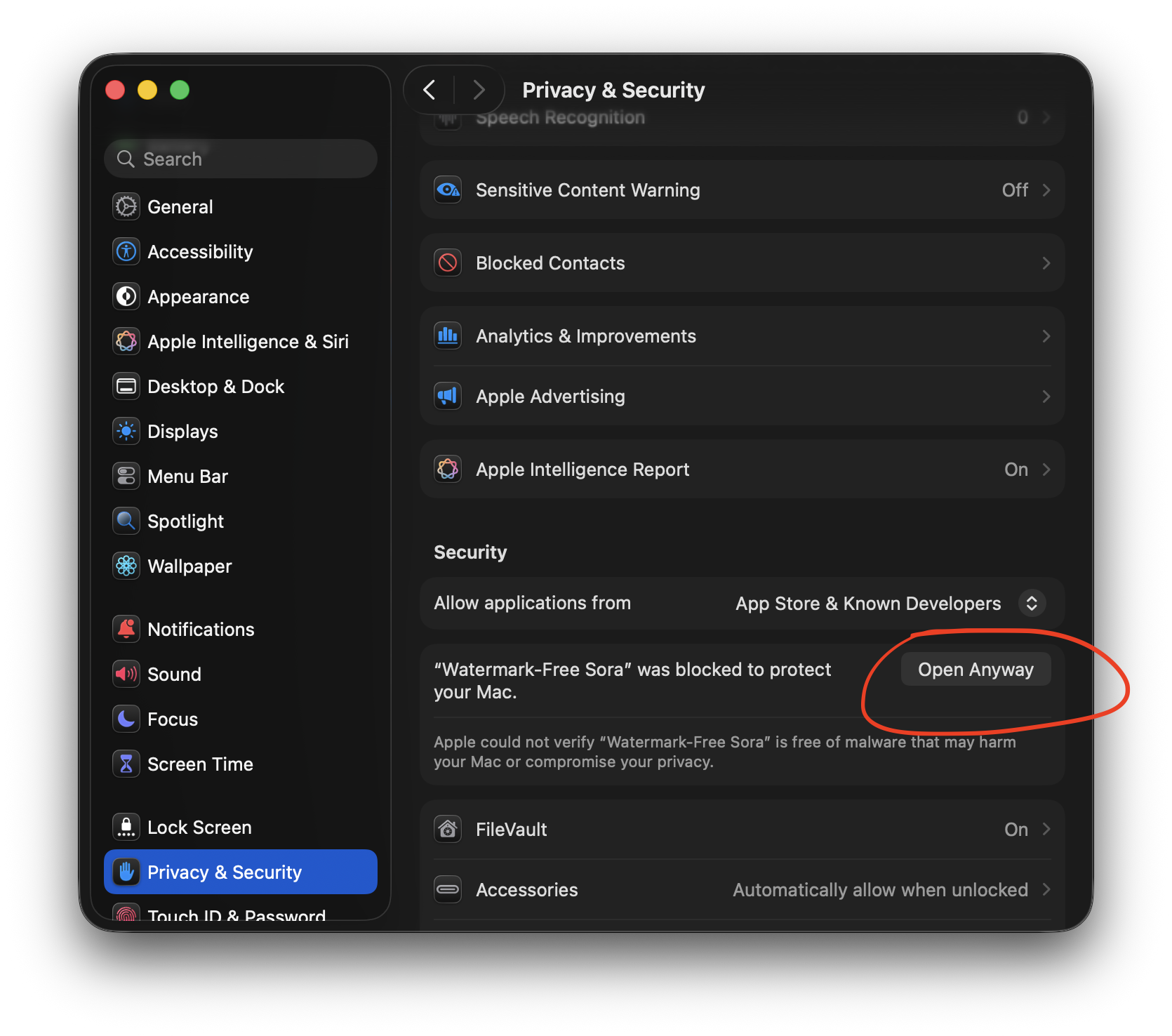
On Mac, you may need to allow Watermark-Free Sora manually the first time. If macOS says the app was blocked to protect your Mac, open System Settings → Privacy & Security and click Open Anyway.
- Try opening Watermark-Free Sora once.
- Open System Settings → Privacy & Security.
- Scroll to the security warning and click Open Anyway.
- Open the app again and continue setup.